
QQ
Qrdy: Dynamic QR
Generate dynamic QR codes and easily customize

I love Canva, and so do you. Canva is simple, Qrdy makes it simpler.
Trusted across Canva: 7.3M+ app installs


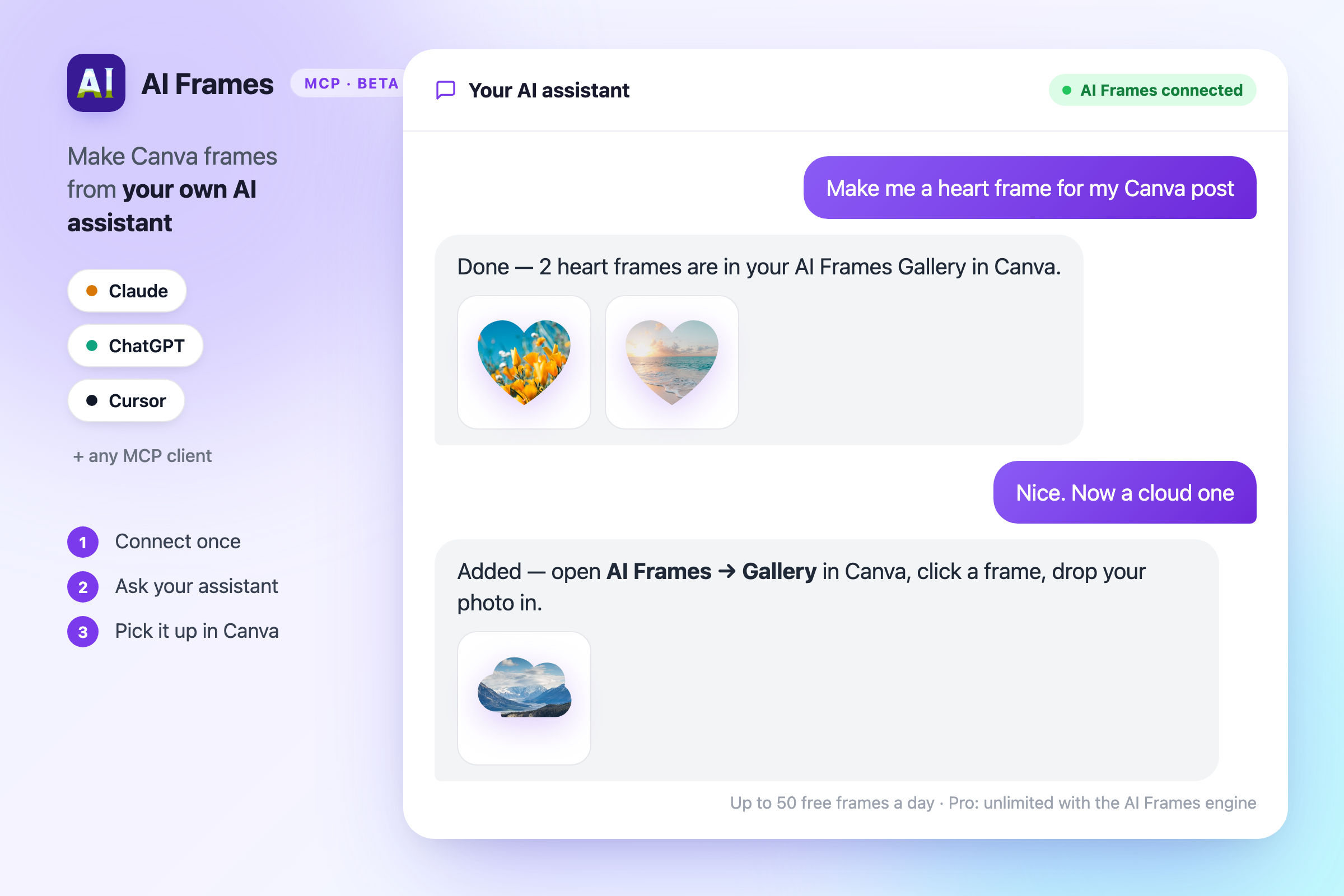
Connect AI Frames to Claude, ChatGPT, Cursor or any MCP client and ask for Canva frames right from the chat — "a heart frame", "a cloud", "the word LOVE". Frames land in the Gallery tab of AI Frames in Canva. Up to 50 frames a day are free when your own assistant draws them; AI Frames Pro adds our AI engine with no daily limit. Beta — details may change.
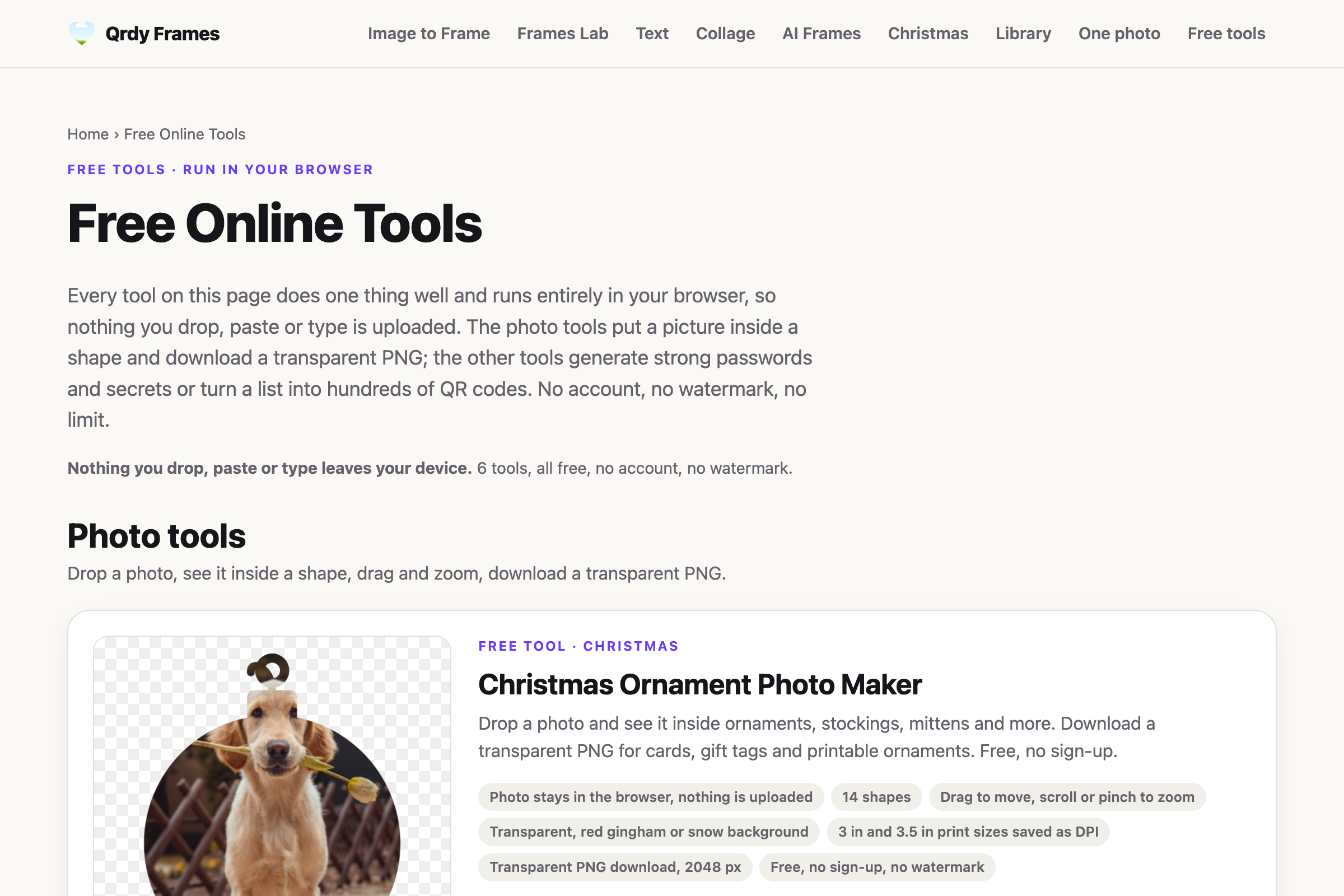
A growing set of small free tools that run right in your browser — no install, no sign-up, no watermark. Put a photo inside a circle, heart or Christmas ornament and download a transparent PNG, generate strong passwords, turn a CSV into hundreds of QR codes, split names into random teams. Nothing you drop or type is uploaded.
Lay frosted, glass-block, fluted, cracked or stained-glass panels over any photo — up to 8 panels in 12 shapes or your own Canva shapes — and get the image back at full resolution, no watermark. Bonus: 3D glass text on a transparent background with 102 fonts. No Photoshop, no plugins.

Snow, sparkles, bokeh, rain, hearts, bubbles, confetti, fireworks, smoke and more — 16 animated overlays as true-transparent vector stickers you drop into any design with one click. Pick the shapes, colors and speed; 7 effects plus every setting are free forever.


Generate dynamic QR codes and easily customize
Turn pictures into mosaic sticker games
Transform images into Canva frames
Explore creative frame layouts with AI
Convert text into interactive frames
Create custom, monthly, or weekly calendars easily
Transparent animated stickers: snow, sparkle, confetti
Create harmonious color palettes
Create interactive spin wheels games
Generate bulk QR codes with a single click
Easily create beautiful frames with AI. Simple and Easy
Recolor the entire image with custom colors
Create stunning collages with ease
Create word clouds in any shape
Click points to trace any shape into a frame
Create custom text along any path with ease
Cut images into text, shapes, or any design easily
Make custom cutouts in your images effortlessly
Frosted, fluted, cracked & stained glass effects
Easily blend two images
Transform borders into art, fast and simple
Qrdy is an independent developer of 21 Canva apps and 5 free web tools for designers, teachers, marketers and small businesses.
The apps cover 6 areas: QR codes and marketing, frames and image effects, AI generation, color and backgrounds, engagement games and productivity. Every app installs from the Canva Apps Marketplace and runs inside the Canva editor; together they have 7.3M+ installs on Canva (Canva's count as of 2026-10-22).
A Canva app is an extension that runs inside the Canva editor, opened from the Apps panel, and adds a feature Canva does not have built in — such as turning a photo into a frame, generating QR codes or placing text along a path.
You install it once from the Canva Apps Marketplace, open it from the Apps panel in any design, and the result lands straight on your Canva page. Your design never leaves Canva.
Qrdy is an independent developer. Qrdy apps are published on the Canva Apps Marketplace and are not affiliated with, sponsored by or endorsed by Canva.
#reindeer
#deer
#horn
#geography
#map
#cartography
#map
#geography
#funny
#character
#symbol
#sign
#heart
#love
#romance
#heart
#love
#romance


Yes. All 21 Qrdy Canva apps are free to install and try from the Canva Apps Marketplace. Some apps offer a Pro upgrade for higher limits or extra effects — for example Image to Frame, AI Frames, Frames Lab, Text to Frames, Image Merge and Animated Overlays. The AI Remove Background web tool is free forever.
Open any design in Canva and click Apps in the left panel. Search for the app name (for example "Image to Frame" or "Calendar Maker") and click Open. The app runs inside the editor and its output is added to your design. The "Open in Canva" links on this page take you straight to the app.
No. You use your Canva account; the apps run inside the Canva editor. A Pro upgrade is purchased on the app's pricing page on qrdynamic.xyz and then unlocked inside Canva.
Qrdy is an independent developer. Qrdy apps are published on the Canva Apps Marketplace and are not affiliated with, sponsored by or endorsed by Canva.
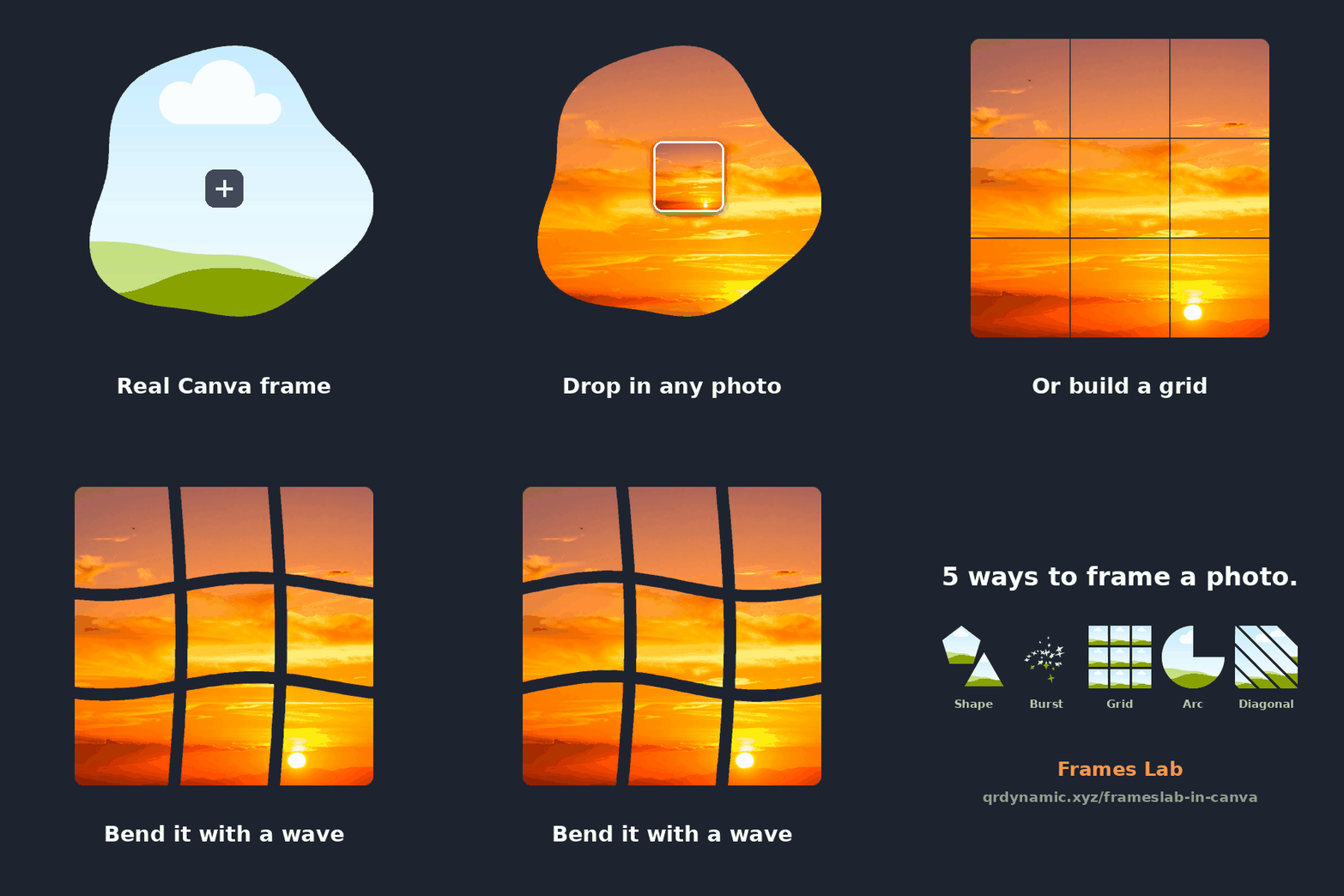
Image to Frame makes a frame from any image in one click. AI Frames builds a frame from a text prompt, Trace to Frames lets you click points around a shape, Text to Frames turns words into frames and Frames Lab arranges frames in arcs and grids. Frames Store also offers 22,495+ ready-made frames for free.
Qrdy apps have been installed 7.3M+ times in total on Canva (installs across all apps, Canva's count as of 2026-10-22). The most installed app is Image to Frame with 956K+ installs.
Yes. Qrdy Frames Tools (qrdyframes.qrdyai.com/tools) are free mini-tools that run in your browser with no install and no sign-up: put a photo in a circle, heart or ornament as a transparent PNG, generate strong passwords, make hundreds of QR codes from a CSV, or split names into random teams. AI Remove Background, Frames Store and MockupPress are free browser tools too.
Guides for every app are at docs.qrdyai.com, feature requests and bug reports go to feedback.qrdyai.com, and you can email support@qrdynamic.xyz.
© 2026 Qrdy. All rights reserved

