QRDY MOBILE MARKETING
Mobile Campaign Measurement & Deeplink Guide
This page combines the two remaining mobile marketing blog posts into one practical guide so the old blog system can be retired. You can use this as the single reference for campaign attribution and app deep linking workflows.
1) Free Mobile Campaign Measurement With Google Analytics
Mobile campaign measurement helps you identify install sources and compare the quality of traffic by campaign. Instead of guessing which partner performs better, you can evaluate retention, engagement, and conversion from each channel.

Why it matters
- Understand where first-time users came from (`utm_source`).
- Compare influencer, publisher, and paid campaign performance fairly.
- Protect app store growth by filtering low-quality acquisition sources.
How to view in Google Analytics
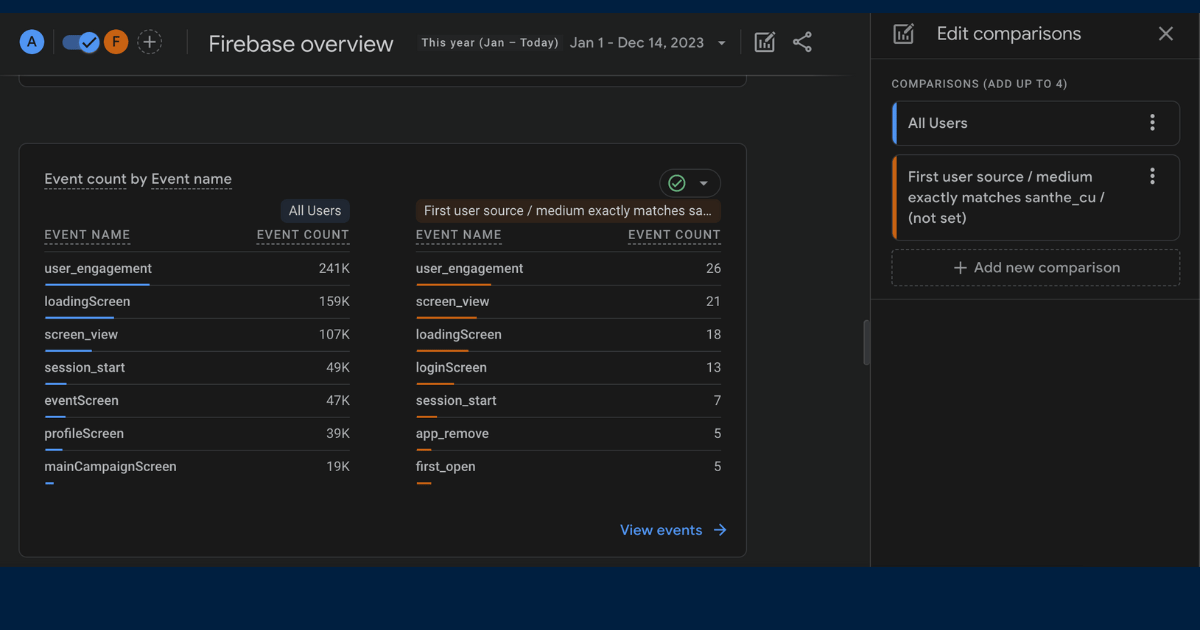
- Open Google Analytics (or Firebase Analytics).
- Use `Edit comparisons`.
- Choose `First user source / medium` to isolate acquisition origin.
- Compare campaign groups and evaluate the top-performing channels.
How to create campaign measurement links in Qrdy
- Integrate Google Analytics or Firebase SDK for both Android and iOS.
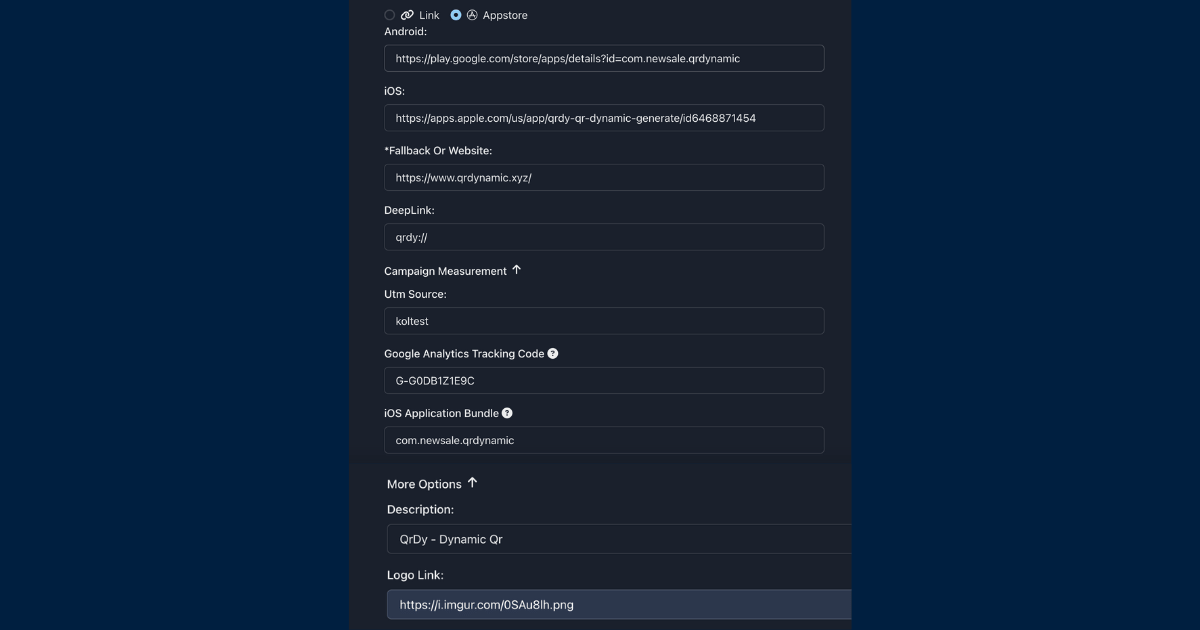
- In Qrdy, open the `Appstore` section.
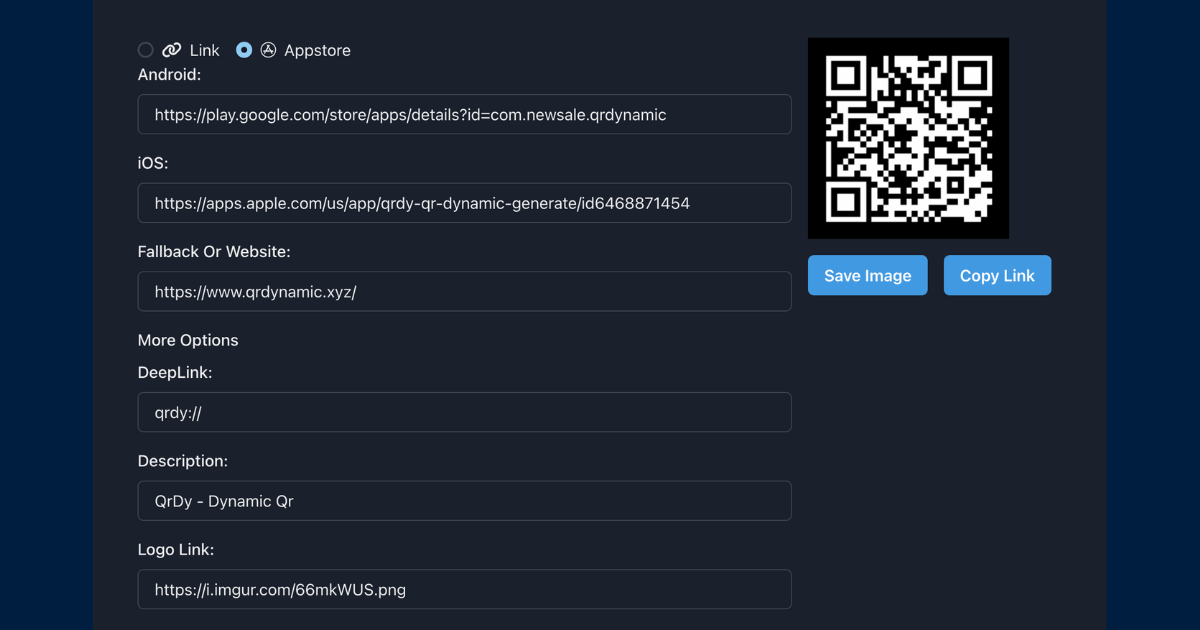
- Fill required fields: Android link, iOS link, fallback link, deeplink, `utm_source`, tracking ID, iOS bundle ID, logo, and app title.
- Create and share the resulting link or QR code.
Quick FAQ
- This feature is available in Qrdy Pro. You can upgrade at /updatepro.
- Analytics data can take up to 24 hours (or more) to appear.
- iOS attribution can be lower than Android due to privacy policy and consent behavior.
2) Deeplink, Platform Redirect Link, and Deferred Deeplink
In mobile marketing, choosing the right link type changes your conversion outcomes. Below is a practical breakdown of when to use each option.
Core concepts
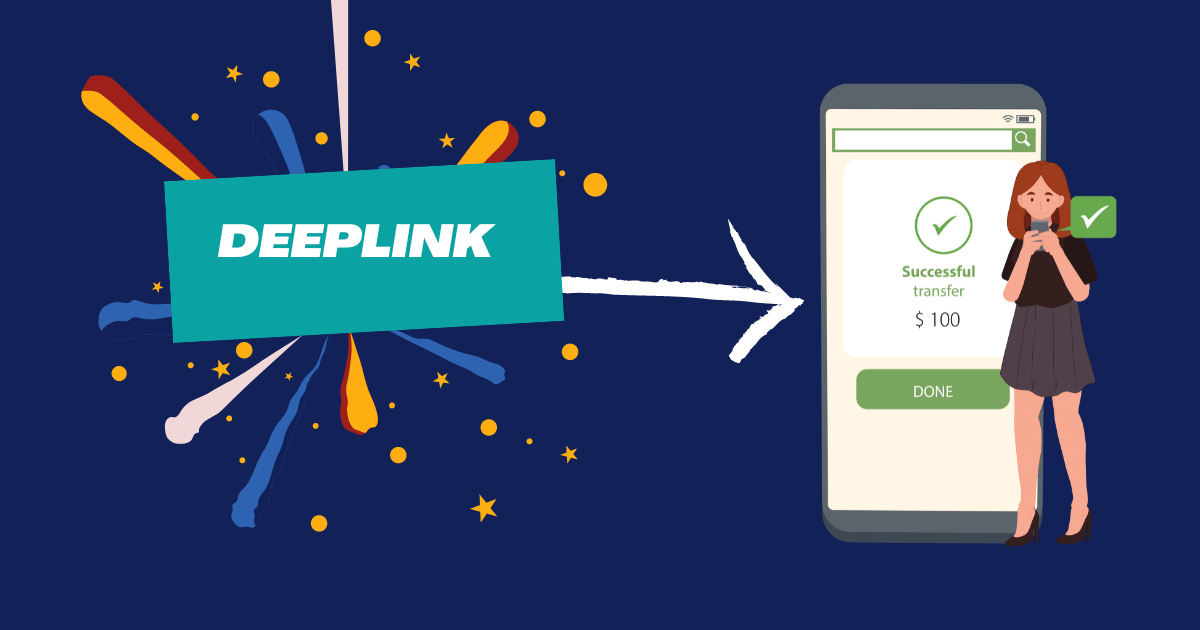
- Deeplink: opens a specific in-app screen directly (requires integration).
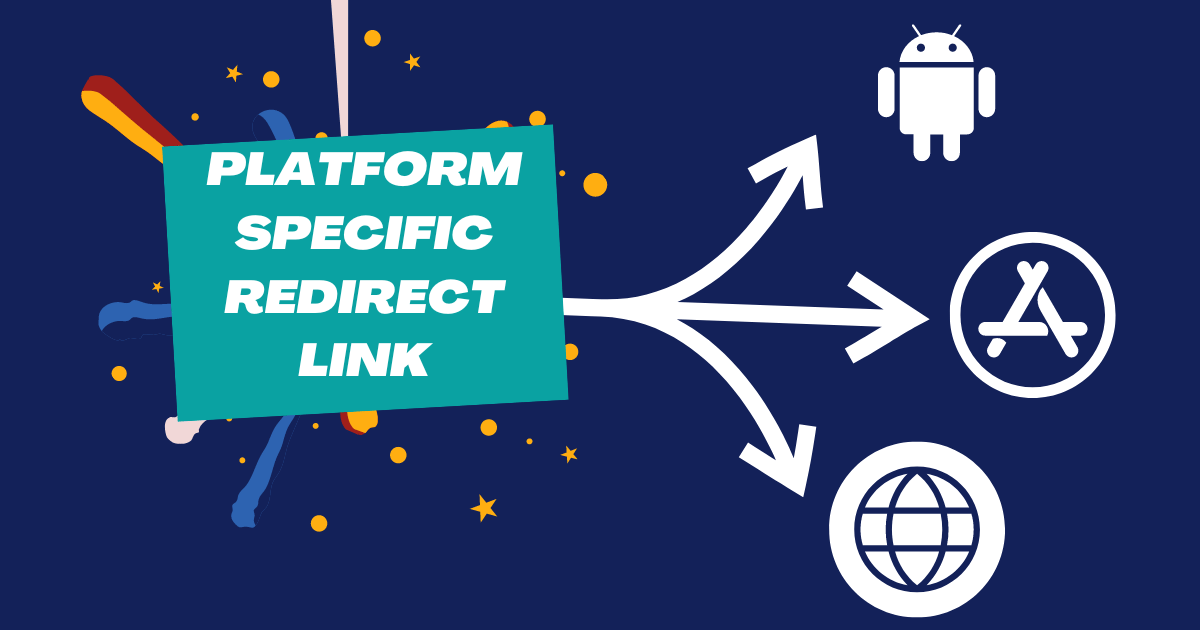
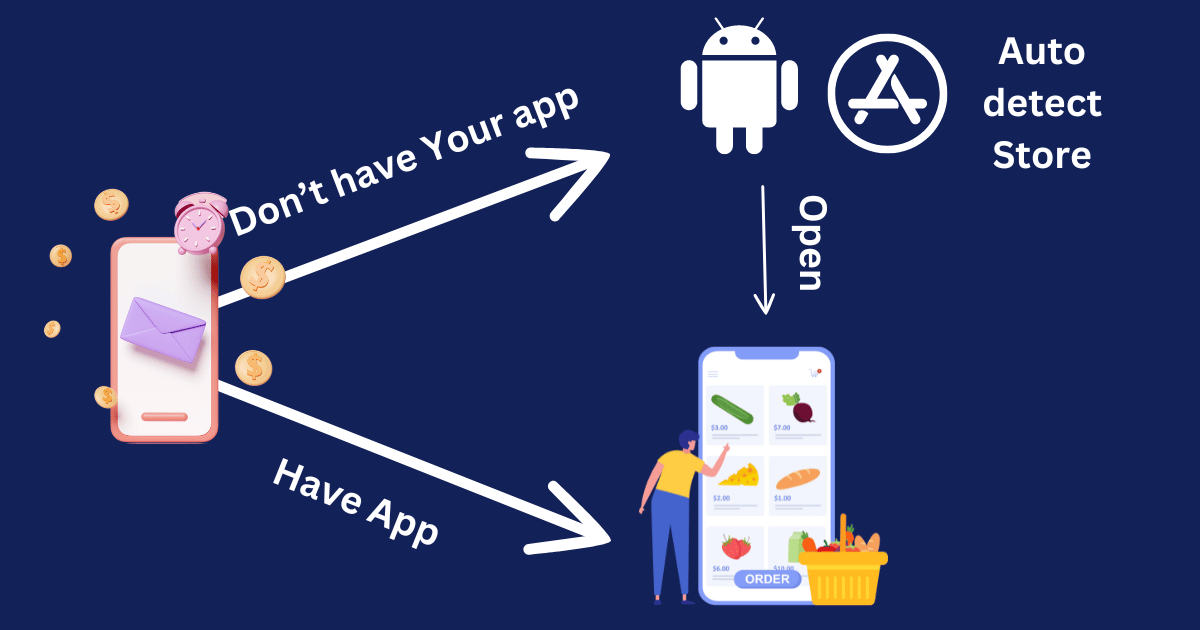
- Platform-Specific Redirect Link (PSRL): routes users to App Store/Play Store based on their device (no deep integration required).
- Deferred Deeplink: if app is installed, open target screen; if not, send to store first, then continue the intended app flow after install.
Use case by link type
- PSRL: top-of-funnel campaigns focused on app installs only.
- Deeplink: re-engagement flow to a specific in-app step (cart, checkout, product details).
- Deferred Deeplink: remarketing flow with minimal drop-off even when users reinstall.
Setup with Qrdy
- Go to Qrdy `Appstore` in the QR section.
- Enter Android link, iOS link, fallback, and deeplink.
- Click create and publish your link.
This combined page replaces the original two blog posts and acts as the new canonical reference for mobile attribution and deeplink setup in Qrdy.
© 2026 Qrdy. All rights reserved